
Manjaro stages packages through its own repositories, while EndeavourOS describes a terminal-centric setup. I like that these differences make the desktop choice a question of maintenance as well as appearance.
Your comparison gets clearer when you know which choices belong to the distro itself. Set those choices beside what Arch provides.
What makes a distro Arch-based?
An Arch-based distribution uses Arch Linux as a foundation, but each project can change the installer, repositories, default desktop, and support policy. The ArchWiki’s distribution list notes that Arch developers and its community do not support derivative distributions.
Pacman is Arch’s package manager, but some projects add their own package tools and repositories. The Arch User Repository (AUR) is a community-maintained collection of build instructions, not an official Arch repository, so check the distro’s documentation and the package instructions before using it.
Rolling release means packages arrive through the existing installation rather than a numbered upgrade to a new major version. Each project sets its own update pace and testing path, so the label alone does not tell you when a package reaches your system.
If you want to understand the package commands before choosing, start with our Pacman package manager guide.
| What you want to prioritize | Start by comparing |
|---|---|
| Project-managed update branches and official desktop images | Manjaro |
| A terminal-centric system close to Arch’s usual tools | EndeavourOS |
| CPU-tuned packages or a supported handheld edition | CachyOS |
| A themed KDE desktop and documented snapshot recovery | Garuda Linux |
| A broad choice of desktop environments and window managers | RebornOS |
What to compare before choosing
Choose how much of the system you want the project to configure, because a desktop screenshot says less about maintenance than the update path and recovery instructions.
- Check who publishes system packages and whether the distro uses its own repository branches.
- Read which desktop images are official and which are maintained by community contributors.
- Confirm that the installer and edition support your hardware, especially for handheld PCs.
- Find the update and recovery instructions before putting the system on your main machine.
The desktop choice also affects how the system feels day to day. Our KDE Plasma and Xfce comparison covers two official Manjaro options.
Confirm the download fits your machine
Check the edition’s system requirements and the image date before downloading. A desktop image and a handheld image can target different hardware, even when both come from the same project.
| Project page | What it states | What to check |
|---|---|---|
| EndeavourOS | Requires a 64-bit dual-core CPU, 4 GB RAM, and 15 GB free disk space. Modern UEFI systems work best. | Available memory, free storage, and firmware mode |
| CachyOS | Separate Desktop and Handheld editions. Handheld lists supported models. | Exact handheld model and supported desktop environment |
| RebornOS | Download selector showed an ISO dated January 22, 2026 | Whether that image date suits your installation and update plan |
For disk planning, use our guide to Linux partitioning tools before changing your drive.
Arch-based distros to compare by fit
Each entry below matches a different documented choice, from project-run update branches to terminal-oriented defaults. Compare the installer and support notes before selecting an ISO.
Manjaro for project-managed updates
Manjaro’s branch guide describes packages moving through Unstable, Testing, and Stable repositories. That path suits you if you want the project to manage updates instead of tracking Arch directly.
The project says Unstable syncs with Arch several times a day, then packages move through Testing and Stable. You trade direct package timing for that staged route.
The official x86 download page labels KDE Plasma, Xfce, and GNOME as team images, with community editions under a separate heading. That lets you check who maintains the ISO before you install.
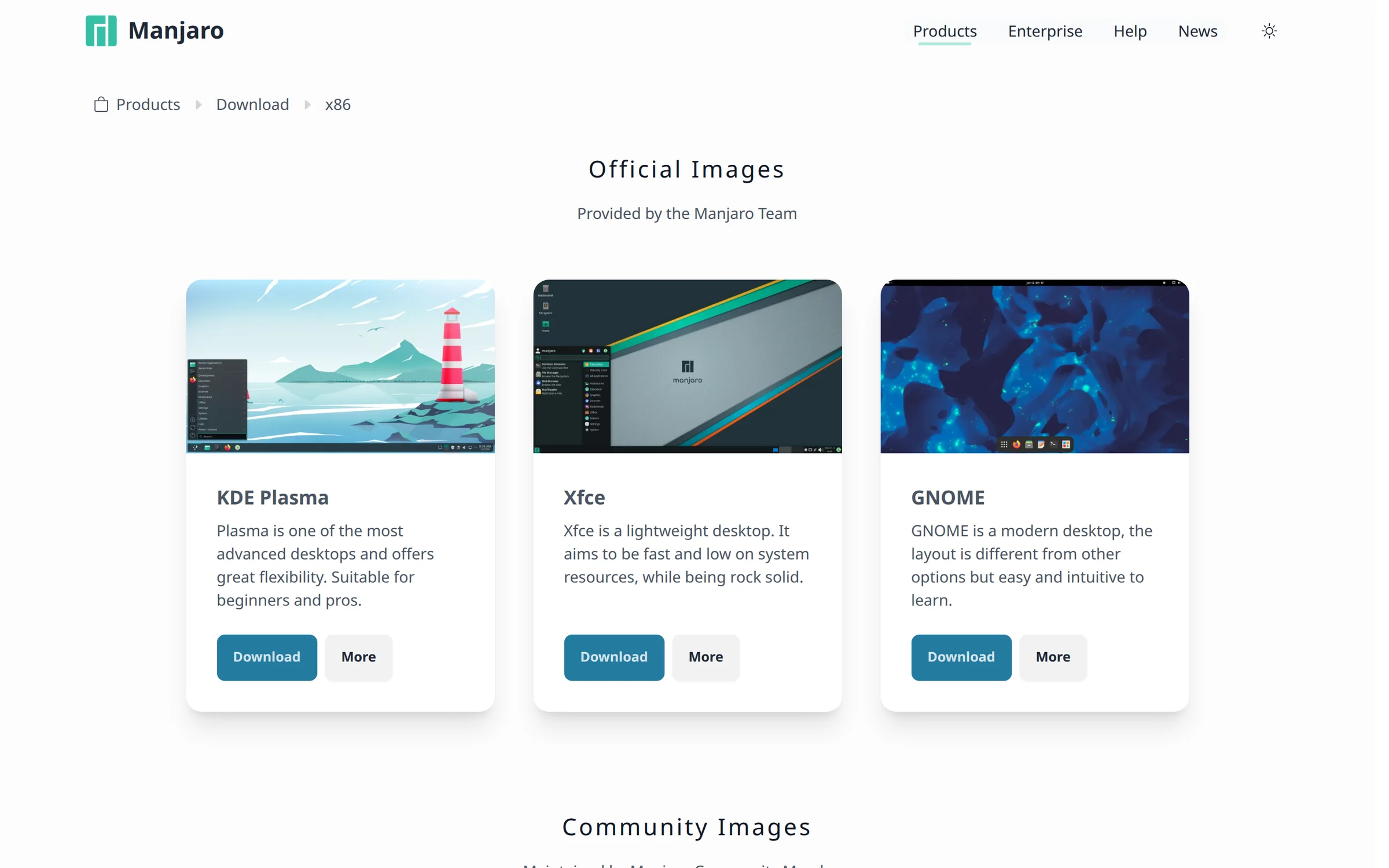
Choose Manjaro when you prefer its own branch process and official desktop images, then keep the project’s update notices in your routine.
EndeavourOS for a terminal-first Arch experience
The EndeavourOS home page calls the system terminal-centric and lists Pacman and Yay, its AUR helper. Use that setup when you want to learn Arch-style package tools instead of relying on a preconfigured desktop.
The download page lists an ISO and links checksum and GPG verification, so verify the image before booting.
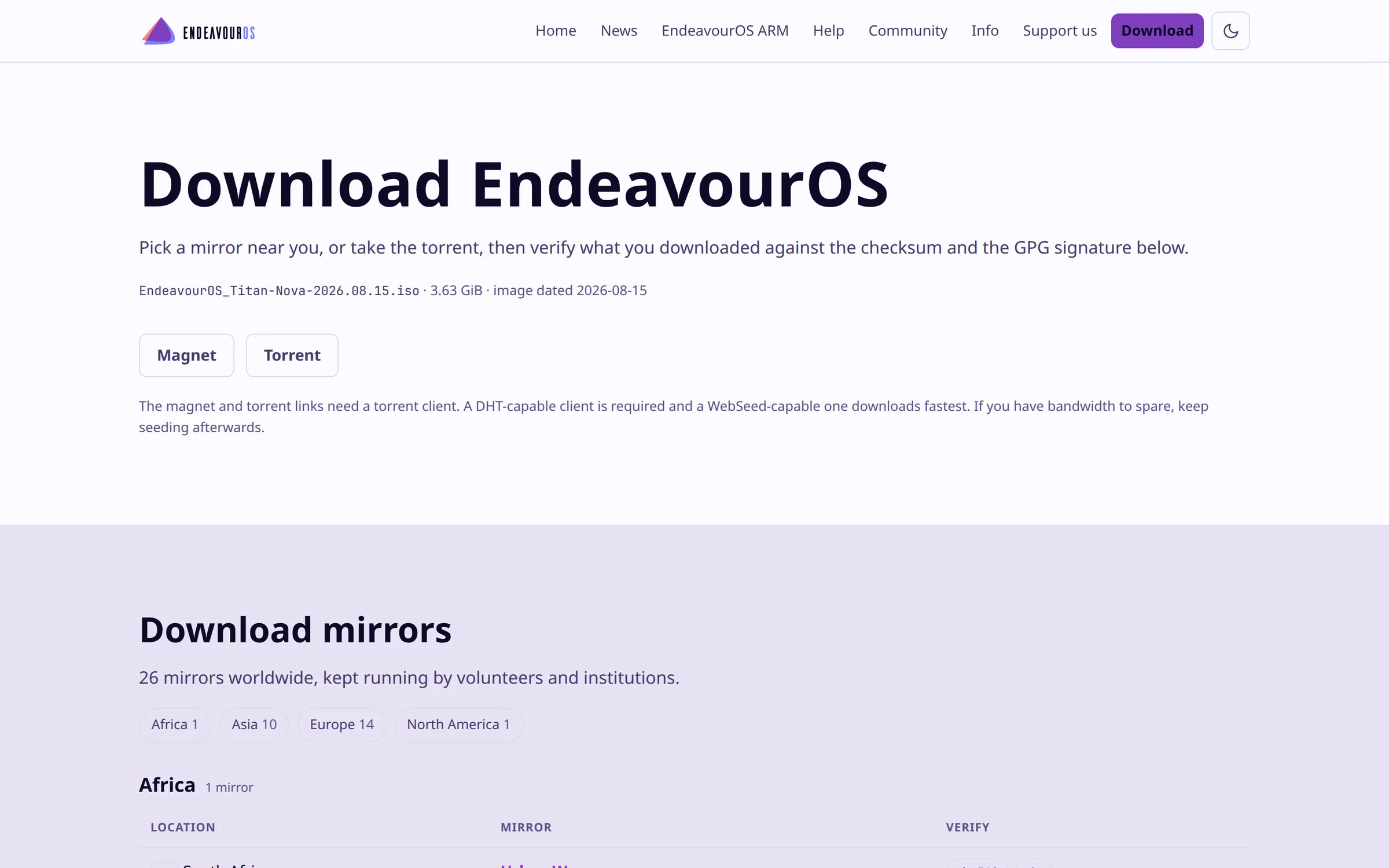
The official page displayed Titan Nova dated August 15, 2026, which you can compare with the file you download.
EndeavourOS leaves more of the ongoing package and configuration decisions to you than a project with staged repositories. Its terminal-oriented defaults are a learning path, not a maintenance shortcut.
CachyOS for tuned packages and handheld options
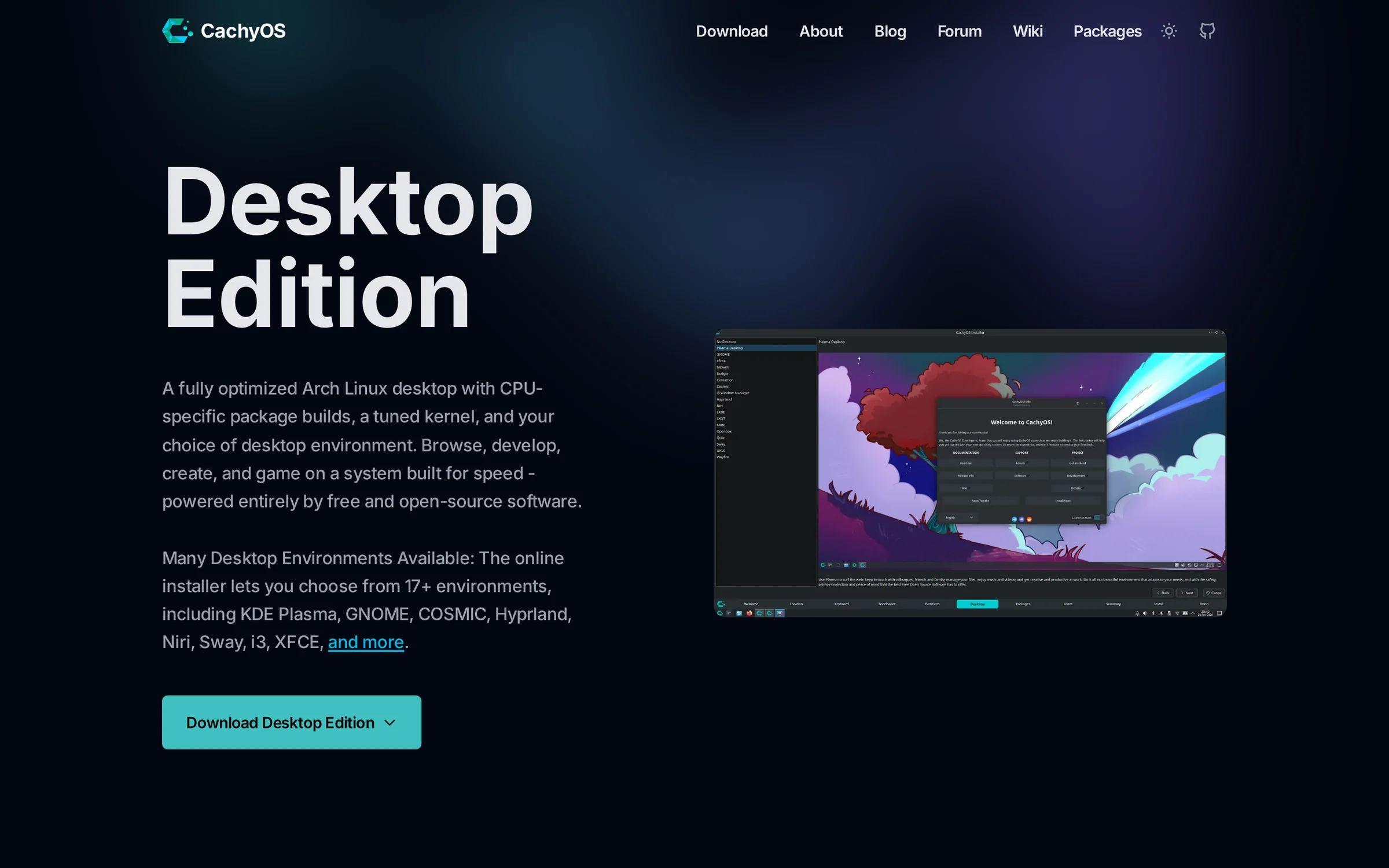
CachyOS describes its Desktop Edition as using CPU-specific package builds and a tuned kernel. Those are design choices, not a measured promise that every application runs faster on your hardware.
The Handheld edition page lists the ROG Ally and Steam Deck OLED or LCD, plus Lenovo Legion Go and Go S, and supports KDE Plasma.
The desktop installer offers 17 or more environments, while the Handheld edition supports KDE Plasma. These options matter if you want a tuned desktop or own a listed handheld, but the project description is not a performance benchmark.
A distro’s gaming label does not confirm a game’s compatibility, so check its requirements before following our guide to setting up Steam on Linux.
Garuda Linux for a styled KDE desktop
Garuda’s editions page shows customized desktop options, including Mokka and Dr460nized, with a preview and edition-specific details. The page gives you a visual choice before installation.
Garuda’s snapshot recovery guide describes restoring Btrfs snapshots through the boot menu. Home and log directories are excluded from the described snapshot, so keep personal files in a separate backup.
The guide’s recovery path uses the Garuda snapshots entry in GRUB, then asks you to select a snapshot. Check which subvolumes are included on your installation before treating that option as a recovery plan.
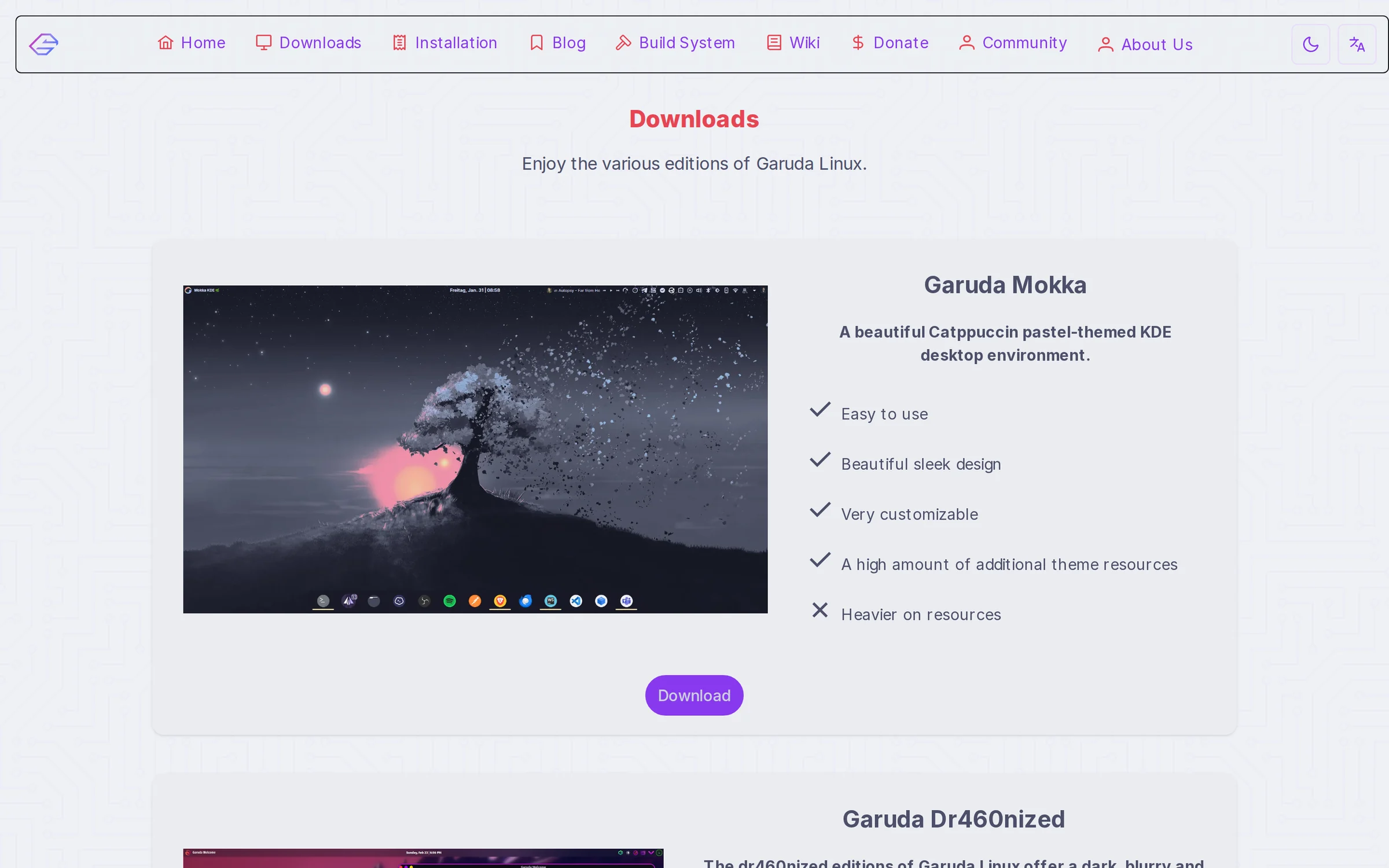
Snapshots help restore system state, but they do not back up the directories the guide excludes.
RebornOS for desktop choice
RebornOS is for choosing from a broad set of desktop environments and window managers. Its project page calls it an Arch-based rolling-release system and links to a desktop showcase.
The official download selector showed an ISO dated January 22, 2026. Check that date and the SHA-256 value before installing, because a rolling-release label describes package updates after setup, not the age of the ISO.
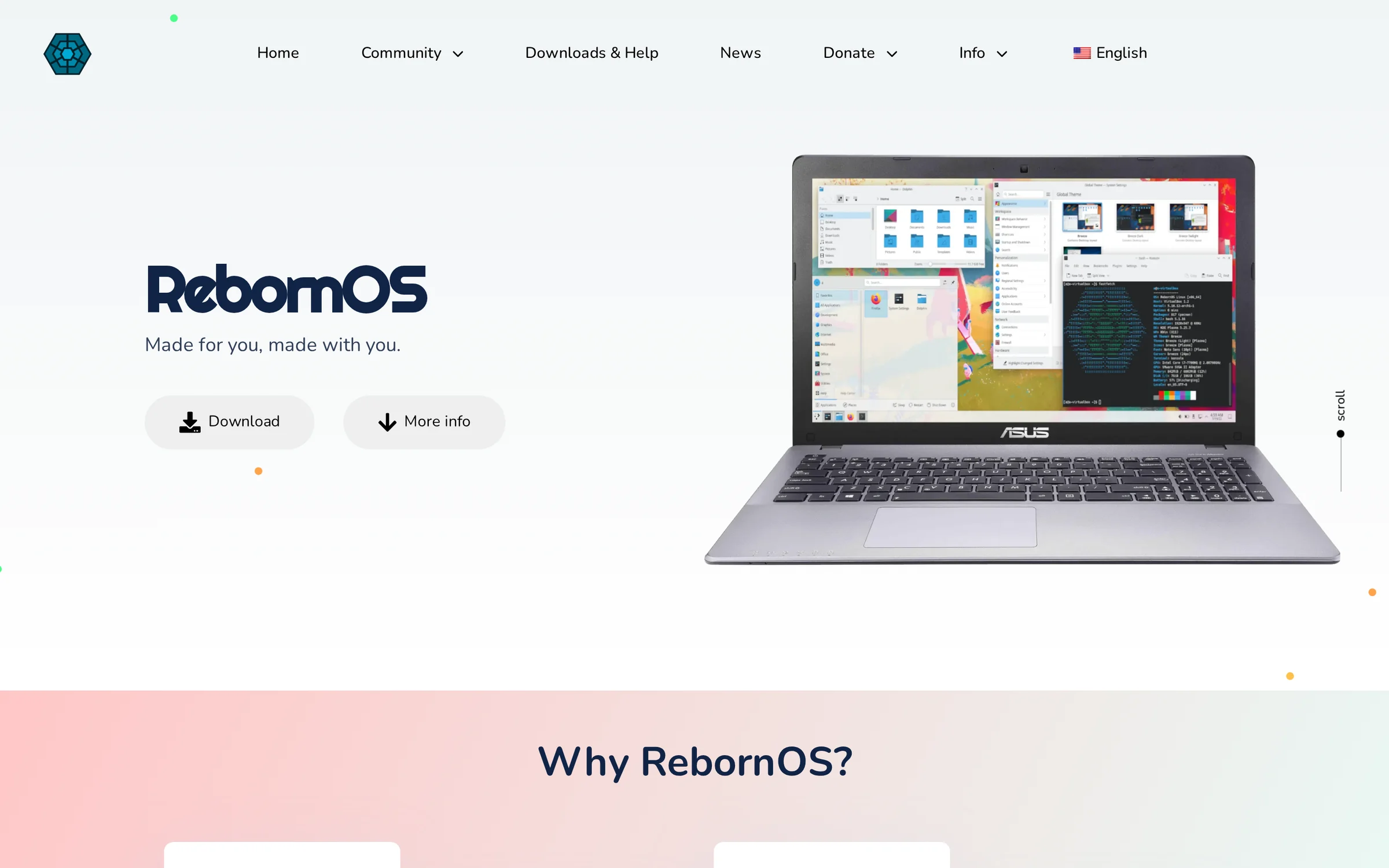
Choose RebornOS when its desktop selection matters more to you than installing from the newest image available.
Know the update and recovery trade-offs
An Arch base does not mean identical repositories or identical recovery tools. Read the selected project’s instructions before mixing packages or treating a snapshot as a full restore point.
| Area | What to verify |
|---|---|
| Repository source | Find out whether the distro uses Arch repositories, its own repositories, or both. |
| AUR packages | Review build instructions and check compatibility with the distro’s package versions. |
| Rolling updates | Read the project’s update notices and do not assume an update is risk-free. |
| Snapshots | Check what is included and which restore entry or tool the project documents. |
The ArchWiki’s AUR documentation describes user-submitted build instructions, which you should inspect before building.
Pick the maintenance style you want
Choose by the decisions you want the project to make on your behalf. A themed desktop, a branch-based update path, and a terminal-first setup solve different problems, so download only after the official notes match your hardware and appetite for maintenance.
- Open the official download page and confirm the ISO date and supported hardware.
- Read the project’s update and recovery instructions before installing.
- Verify the downloaded image using the checksum or signature supplied by its project.
If this will be a development machine, check the official package options you want first, then use our guide to install Visual Studio Code on Linux after setup.
Questions about Arch-based distros
The answer depends on who manages the repositories and what the project documents for its own packages.
Are Arch-based distros the same as Arch Linux?
No. They use Arch as a base but their own teams can change the installer, repositories, defaults, and support policy.
Can you use the AUR on every Arch-based distro?
AUR support depends on the distribution and its package compatibility. The AUR contains community-maintained build instructions, so check the distro’s guidance and review the package before using it.
Which Arch-based distro should a beginner choose?
Choose by the kind of maintenance you want. Manjaro has project-managed update branches and official desktop images, while EndeavourOS is terminal-centric for people who want to learn more of the Arch-style workflow.